Written for friends who want to use AI to work smarter but don’t know where to start. By the end of this guide, you’ll have your first AI workflow up and running.
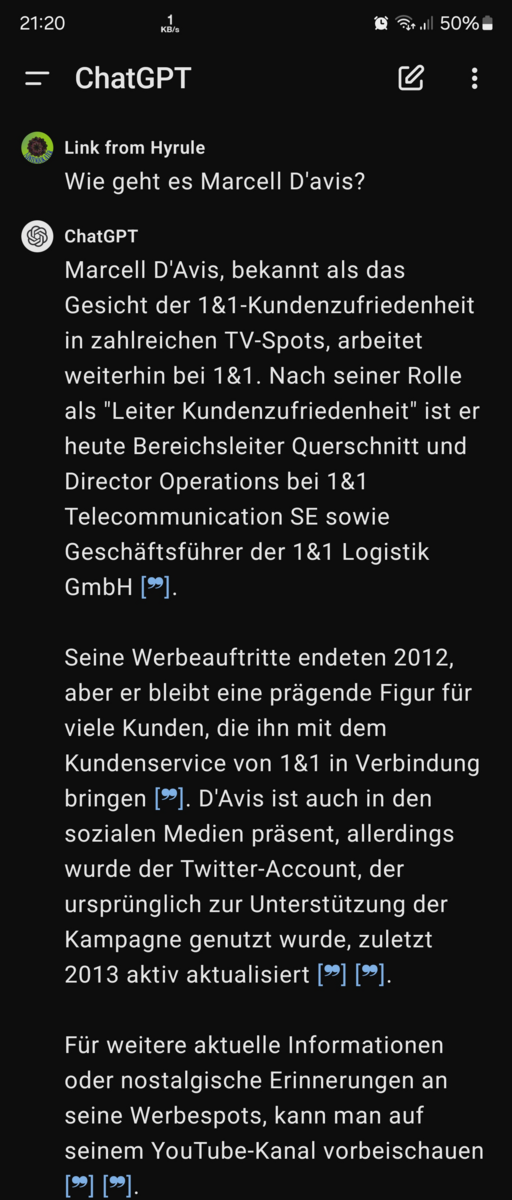
Screenshot of the ChatGPT interface via Wikimedia Commons (public domain).
Step 1: Pick One Main AI Assistant (Week 1)
Don’t rush out to buy a bunch of tools. One main assistant + one scenario tool is enough to get going.
- Main assistant: ChatGPT free tier or Gemini free tier (choose Claude if your budget allows)
- Use it for: everyday Q&A, writing, translation, and brainstorming
This week’s goal: build the habit of “ask AI first.” Emails, summaries, research — run them past AI before doing anything else.
Step 2: Add Scenario Tools (Weeks 2-3)
Pick 1-2 based on your needs:
| Your work | Recommended tool | Free tier |
|---|---|---|
| Writing articles/copy | ChatGPT + writing assistant | Plenty |
| Creating images/design | Free AI art tools (Tongyi Wanxiang/Jimeng) | Daily credits |
| Writing code | Cursor free tier | Limited |
| Note-taking/organizing | Notion AI trial | Limited |
| Making videos | CapCut AI features | Free |
Rule of thumb: choose one tool per scenario, and master it before adding more. Using three tools at once will only confuse you.
Step 3: Build Workflows (Week 4 onward)
Embed AI into your daily routines instead of using it occasionally:
Example Writing Workflow
Gather material → AI drafts → Human edits → AI proofreads and polishes → PublishExample Research Workflow
Formulate question → Perplexity search (with citations) → AI structures outline → Human confirms → Write it upStep 4: Advanced Tips
- Write better prompts: Give the AI a role, task, format, and examples — 10x more effective than a one-line instruction
- Build templates: Save your go-to prompts as templates and double your efficiency
- Keep a human in the loop: Always verify AI output yourself — especially numbers, facts, and legal clauses
Common Pitfalls
- ❌ Subscribing to five or six tools at once → most end up gathering dust
- ❌ Trusting AI output blindly → factual errors slip through no matter what
- ❌ Expecting full automation → right now AI is an assistant, not an employee
- ❌ Ignoring privacy → don’t casually feed sensitive information to AI
Next Steps
Want to dig deeper into a specific tool? Check out our tool reviews and tool library, or tell us your industry in the comments and we’ll create a tailored tutorial.