The board looks fine on the day you decide to leave. The damage lands about ten days later: a card that used to assign itself sits untouched for a week, a client attachment opens to a login page on a domain you no longer pay for, and someone notices a contractor can see the hiring board.
Cards are the easy part of a Trello exit, and the part every guide covers. Automations, attachments and permissions break first, in that order, and they break quietly. So the order below is deliberately not the obvious one.
Step 1: Write down what happens without you
Before exporting anything, list the things the board does on its own. As of October 2026, Trello’s free tier allows 250 Workspace command runs a month, ten boards and ten collaborators per Workspace, and 10MB per file; Standard at about $5 per user per month billed annually ($6 monthly) raises that to 1,000 runs and 250MB per file, and Premium at $10 ($12.50 monthly) removes the run cap entirely (trello.com/pricing, checked 21 October 2026). The same page shows where Atlassian puts AI: AI boards, AI capture from email and Slack, and card summaries all start at Standard, not free. Any automation habit at all burns 250 runs in about a week on a busy board.
Write each rule as a sentence: trigger, condition, action. “When a card moves to Waiting on client, set due date +3 days and add the account manager.” Do this by hand, in a document, because Butler rules do not travel — Trello’s export hands you board data, and no importer in the list below reads a rule definition. This is also the cheapest moment to kill rules nobody remembers writing; in most workspaces a third of them fire on boards that were abandoned last spring.
Two dependencies usually get missed. Card mirroring, a Standard feature, puts one card on several boards, so deleting the source board orphans the copies. And anything driven by a due date — recurring cards, calendar commands — keeps looking fine for a cycle before it stops.
Official image from appflowy.com.
Three questions that come up at this point
Do I need Premium just to get my data out? Not for the basics: any board exports to JSON, free plan included. But CSV export is Premium, and a Workspace-wide export with raw attachment files — a ZIP of the originals — is Premium and admin-only. Otherwise your export links to files hosted on Trello instead of containing them.
How much comment history survives? The JSON export carries the 1,000 most recent actions on a board, and comments live inside that action log. On a three-year-old board the early comments are not in the file, so export the long client threads first.
Can I keep using the same attachment links? No. Trello attachment URLs point at Trello’s storage. The moment the workspace is deleted or the plan lapses, those links stop resolving, and a JSON full of dead URLs is not a backup.
Step 2: Move the cards, then the files
Export each live board from the board menu as JSON. Then deal with files separately, because this is where migrations actually fail: on the free plan every upload was capped at 10MB, so anything larger — the PSD, the video review, the 40-page PDF — was added as a link to Drive or Dropbox, not as a file. Those links survive the move but still depend on someone else’s storage and sharing settings.
For the import, Vikunja is the least painful of the three because it lists Trello as a supported source under Settings → Import, alongside CSV, WeKan and Planka. Lists become kanban buckets, cards become tasks, labels and dates come across; check the first board before trusting the rest. AppFlowy takes CSV and Markdown into a database you then display as a board — more work, but the column mapping is where you fix labels and assignees the automatic path mangles. Planka does not advertise a Trello importer at all, so it is a rebuild-by-API or CSV job.
Vikunja’s CSV importer documents what a clean task row needs: a title column, labels as comma-separated values, priority 0–5, and a project column to group tasks. A board exported to CSV and cleaned by hand imports into almost anything.

Official image from joplin.app.
One structural decision belongs here: cards that are mostly prose. If half your cards are meeting notes with a status label on top, they will be bad cards in any kanban tool. Our Joplin tool page covers the markdown-and-self-hosting trade; the board keeps the task, the notes app keeps the paragraph.
Step 3: Rebuild views and permissions
This is the step people leave until the complaints arrive. In Trello, single-board guests start at Standard and observers at Premium, which means a free workspace has no way to show someone one board without showing them all ten. If your current setup relies on a client seeing exactly one board, that requirement — not the card count — decides your replacement.
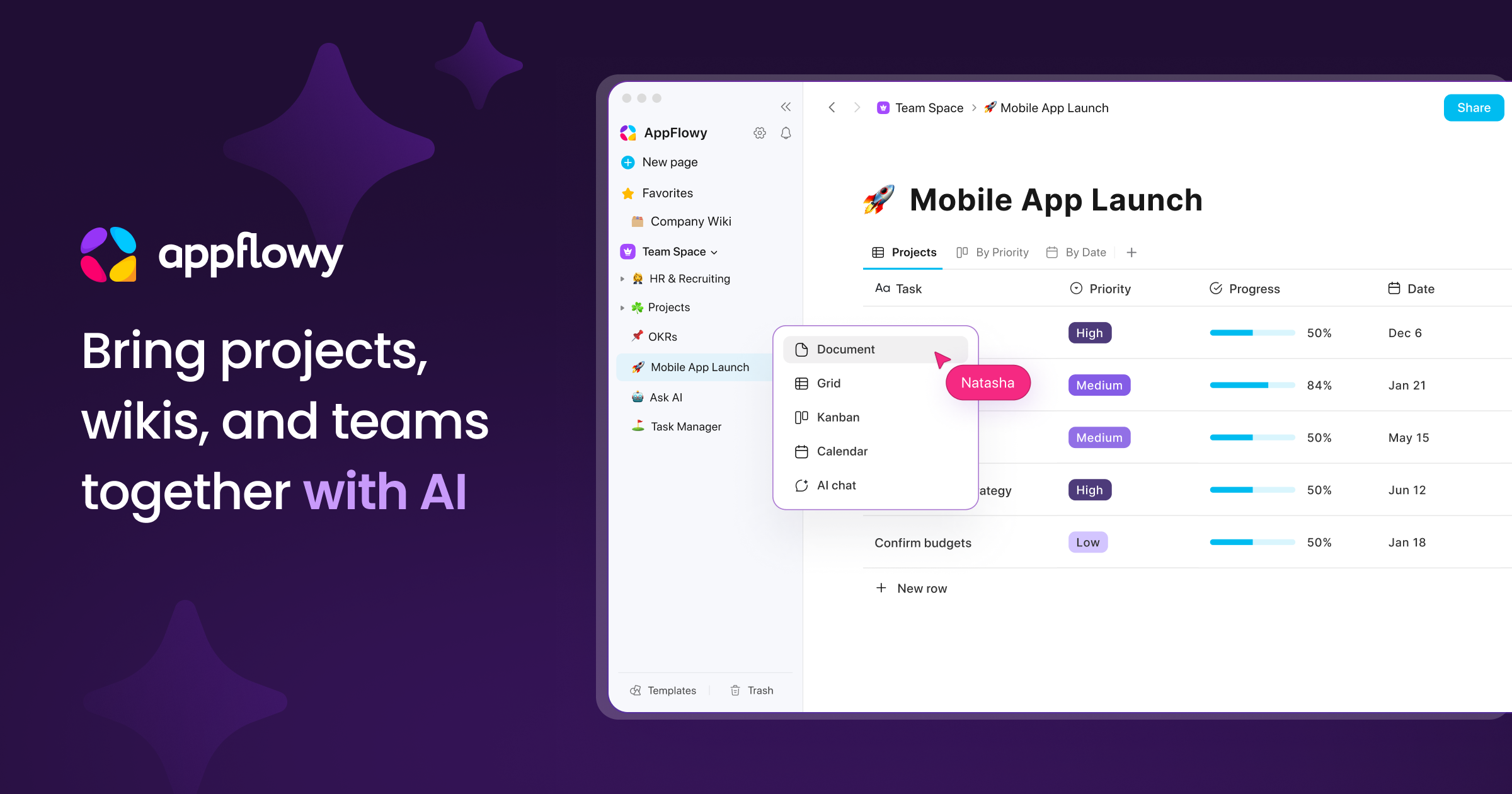
Views follow the same pattern. Calendar, Timeline, Table, Dashboard and Map are Premium features, so a team on Premium at $10 per user is comparing against tools that charge for the same layer. AppFlowy’s Pro plan is about $12 per member per month billed annually and includes timeline with dependencies, dashboards, permission groups and 90-day version history; its free Personal tier is one workspace owner with 100MB of storage, and self-hosted pricing is separate — check it before promising a team anything (appflowy.com/pricing, checked October 2026). AppFlowy fits best when the board was really a database all along; the full tool page covers where it is thinner than Notion.
Planka goes the other way: the self-hosted core is free, roughly 12,000 GitHub stars and 8.1 million Docker pulls, 35+ languages, and Pro adds roles, guest access, SSO, templates and reporting with a 30-day trial. If the migration is really “we want the Trello we had in 2019, on our own server”, that is the shortest path. Vikunja is AGPLv3 with list, kanban, Gantt and table views, self-hosted or EU-hosted, with sharing per project.
| Step | What you should have at the end | Tool that helps most |
|---|---|---|
| Inventory | A plain-text list of rules, mirrors and recurring cards | Nothing — do it by hand |
| Data | JSON per live board, ZIP of raw files, CSV for the messy boards | Trello export, then Vikunja’s importer |
| Access | A permission model you can actually configure | AppFlowy Pro or Planka Pro |
What people get wrong
Deleting the old workspace in week one. The new board looks complete, the team is happy, and the attachments that were links rather than files are now gone for good. Keep the old workspace read-only for a month; the export is a snapshot, not a live backup.
Migrating every board instead of the live ones. Count boards touched in the last ninety days: usually three or four out of fifteen. The rest are archives, and archives belong in a ZIP on a drive, not in a tool you now maintain.
Picking a tool that is no longer maintained. A lot of “Trello alternative” lists still push Focalboard. Its standalone repository carries a not-maintained warning (checked October 2026), which makes it a personal desktop toy, not a team migration target — the Mattermost plugin is the maintained path. Check the commit date first.
If you also used Trello for workshop boards, the whiteboard decision is a separate one; our Miro alternatives guide covers where free-tier board limits and self-hosting costs land.
Your next move
Pick one board — the busiest, not the tidiest. Run it in the new tool for two weeks while Trello stays read-only, and watch which automation you miss first; that is the one worth rebuilding, and the rest usually were noise. Export a final ZIP at the end of the month, then cancel.
Sources: trello.com/pricing and Trello’s export documentation, appflowy.com/pricing, vikunja.io import documentation, planka.app, and the Focalboard repository — all checked 21 October 2026. Prices are approximate; confirm on the vendor’s page.